01
Put a lock on your apps.
Protect social apps, banking apps, Gallery, SMS and Contacts. Choose what to lock from one clear app list.
A LITTLE BOUNDARY. A LITTLE PEACE OF MIND.
Life’s personal. Keep it that way. Lock your apps, tuck away private photos, and keep sensitive notifications out of sight with App Lock - Privacy Guard.
Android 12+ · Contains ads
A private space,
in your pocket.
100K+downloads on Google Play
Your apps. Your access.
A home for private moments.
Made by Dorkari App
01 / A LITTLE MORE CONTROL
From everyday chats to your camera roll, give your personal life a little extra space.
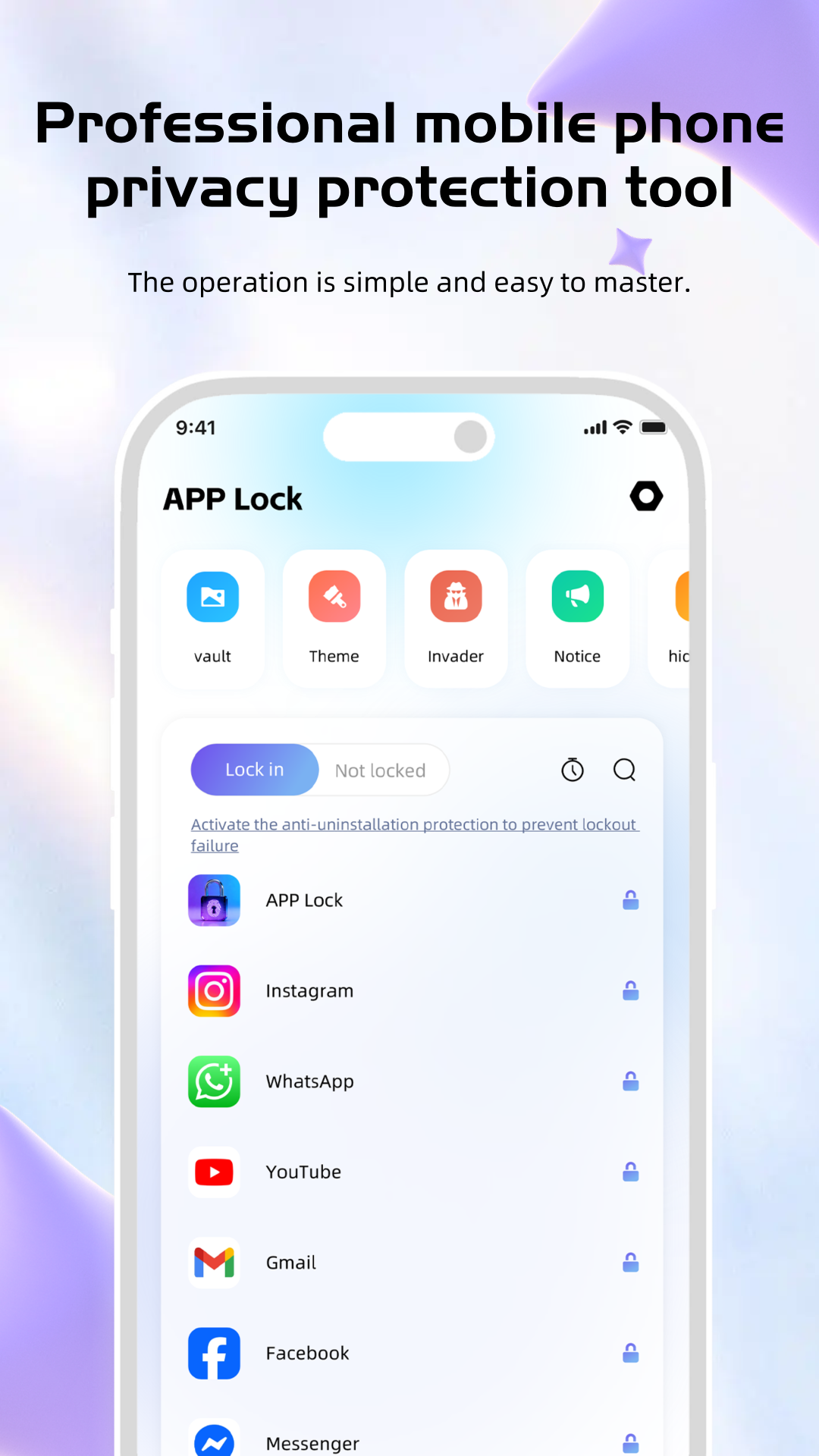
Protect social apps, banking apps, Gallery, SMS and Contacts. Choose what to lock from one clear app list.
Use a numeric password or a pattern to unlock your protected apps. Choose the option that feels right for you.
Intruder Selfie takes a photo after an incorrect password or pattern attempt. Photos are saved on your device; camera permission is required.
Mask sensitive notification previews in your notification bar, so a glance at your phone doesn’t reveal your personal messages.
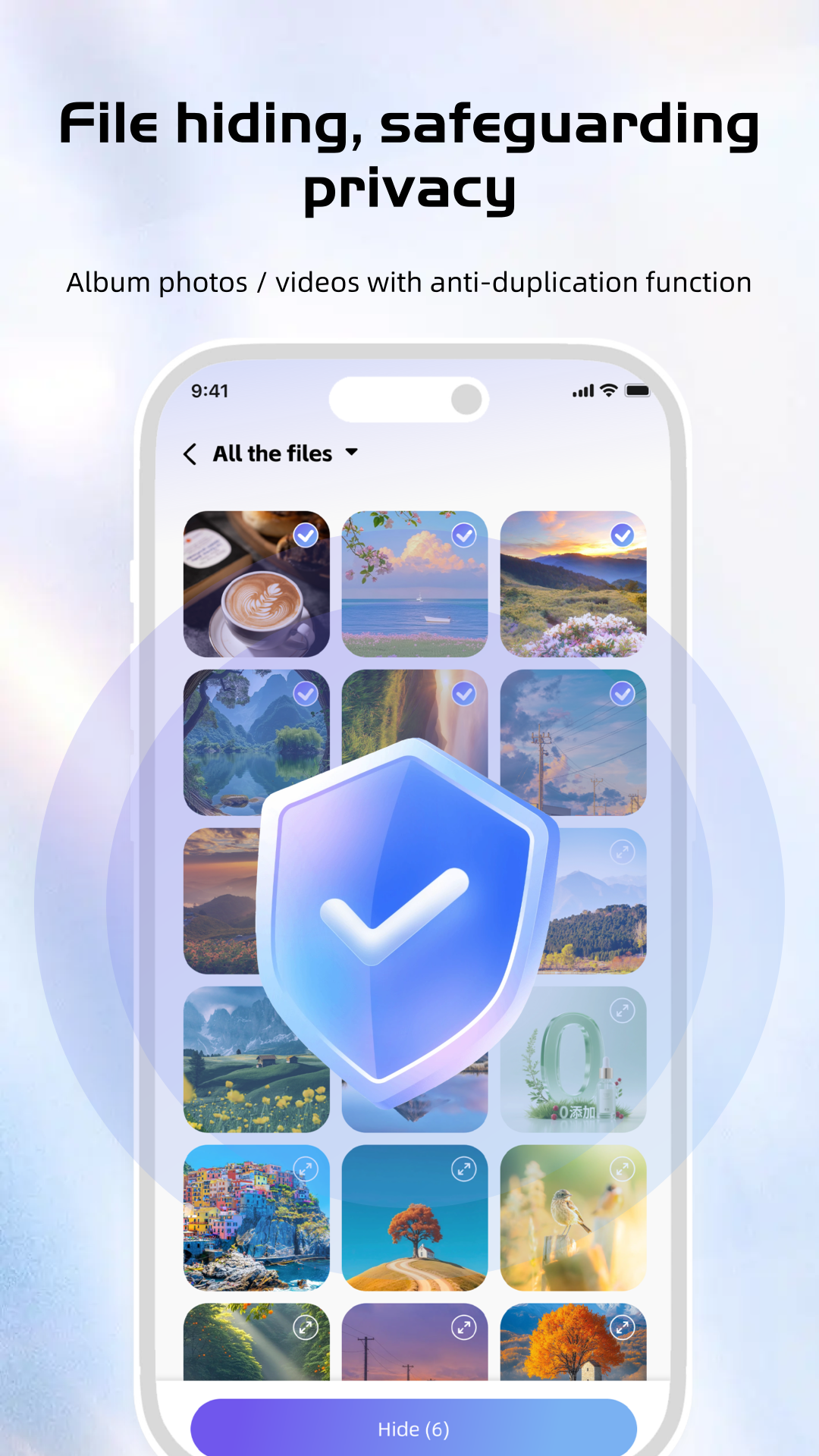
Move personal photos and videos into the Photo Vault to keep them away from casual browsing through your gallery.
Scan for useless cache, residual files and junk to reclaim storage space, with a lightweight cleaner designed to preserve important personal files.
Your camera roll has a private side.
02 / MAKE IT YOURS
Set a numeric password or pattern for access to your protected apps.
Lock the apps you want to protect and move private photos or videos into the vault.
Manage your app list and privacy features. Review or revoke permissions at any time in Android settings.
03 / TAKE A CLOSER LOOK
Explore all five screenshots from Google Play. Select an image for a closer look.
App screenshots supplied by the developer on Google Play.
04 / KNOW WHAT YOU ALLOW
The right features need the right access. The developer lists Usage Access, Camera and Storage for app locking, intruder detection and file cleaning.
Read the privacy policyUsage Access and Storage support app locking and file cleaning features. You can manage or revoke these permissions in your system settings.
Intruder Selfie requires camera permission to capture a photo after an incorrect unlock attempt. The listing says these photos are stored locally on your device.
The developer describes sensitive operations as local to your device. Google Play also states that the app may share location, app activity and two other data types with third parties. Review the Data safety details and privacy policy for more information.
Permission choices are yours to manage in Android settings.
YOUR PERSONAL SPACE STARTS HERE
App Lock - Privacy Guard, by Dorkari App.